
iOS app development guide
A complete guide to iOS app development with FuturByte
What goes into a native iPhone or iPad app, how we run an iOS project from first idea to App Store release, and how we keep the app healthy after launch.
What iOS development means
iOS app development is the craft of building software for Apple's iPhone, and usually for iPad, Apple Watch and other Apple devices alongside it. It covers interface design, the Swift code that runs on the device, the services the app connects to and the review process every app must pass before Apple publishes it.
Apple controls both the hardware and the software, which gives iOS a consistent set of devices and a user base that updates quickly to new versions. That consistency lets a native app feel exceptionally smooth and polished, but it also raises expectations. iPhone users notice when something feels slightly off, so the details matter. A native build gives us the control needed to get those details right, from scrolling and animation to the way text scales for people who need larger type.
When native iOS makes sense
Cross platform frameworks are a good fit for many apps, and we build with them often. A native iOS app is the stronger choice when your audience leans heavily towards iPhone, when the experience depends on Apple features such as Apple Pay, HealthKit, widgets or Apple Watch, or when performance and polish are central to your brand.
Some businesses launch on iOS first to test an idea with a focused audience before adding Android. Others need native apps on both platforms for the best possible experience. We look at your customer data, features and plans for the next few years, then recommend an approach with the trade offs explained clearly. That recommendation is written down, so you can share it with colleagues and investors and revisit it later if your plans change.
Who we build iPhone apps for
Our iOS clients include retail and hospitality brands building loyalty and ordering apps, healthcare and wellness providers creating patient tools, property companies offering tenant and buyer apps, and founders whose product is the app itself. We also build internal iPad apps for sales teams, inspectors and front of house staff.
In each case the app has to fit into someone's day without friction. A guest wants to order and pay in a few taps. A patient wants their appointment details without searching. A sales manager wants a catalogue that works offline in a client's office. We design around those moments first, and only then decide which supporting features earn a place in the first release and which can wait for a later version.
Swift and SwiftUI
We build iOS apps in Swift, Apple's modern programming language, and use SwiftUI for most interfaces. SwiftUI makes it quicker to build screens that adapt to every iPhone and iPad size, support dark mode and respond to accessibility settings, while UIKit remains available for the cases where finer control is needed.
Underneath the interface we use a clear architecture that separates screens from business logic and data. Swift concurrency keeps network calls and heavy work off the main thread, so scrolling stays smooth. This structure also makes automated testing practical and keeps the codebase readable for whoever maintains it in future.
Designing to Apple's standards
Apple publishes detailed Human Interface Guidelines that describe how iOS apps should look and behave. We design within those conventions: familiar navigation patterns, system gestures, Dynamic Type for scalable text, and controls that feel at home next to Apple's own apps. Your brand comes through in colour, imagery, motion and voice.
We prototype journeys in Figma and test them on real iPhones with real users before development begins. Small details such as haptic feedback, sensible default keyboards for each field and smooth transitions between screens add up to an app that feels considered rather than assembled. We also design every screen in light and dark mode, because many iPhone users switch between them automatically through the day.
Apple features that add value
Native development gives full access to Apple's frameworks. We build sign in with Face ID and Sign in with Apple, payments through Apple Pay, home screen and lock screen widgets, Live Activities for orders and deliveries, and Siri shortcuts that let users complete common tasks by voice.
Depending on the product we also work with HealthKit for fitness and wellbeing data, MapKit and Core Location for maps and geofencing, Core ML for on device intelligence, and Apple Wallet passes for tickets, memberships and loyalty cards. We recommend these only where they genuinely help your users, not to fill a feature list.
iPad, Apple Watch and beyond
Many iPhone apps benefit from a proper iPad layout rather than a stretched phone screen. We design iPad versions that use the extra space well, with split views, keyboard shortcuts and Apple Pencil support where they fit the task.
Apple Watch apps suit quick interactions such as checking an order, logging a workout or receiving an alert. We build watch extensions that share code and data with the main app. Where it suits the product, we can also bring the app to Mac using the same Swift codebase. Each extra device is planned as part of the roadmap, so the first release stays focused while the architecture is ready for what follows.
Arabic and English on iOS
iOS handles right to left languages well when an app is built correctly from the start. We use layout constraints that mirror automatically for Arabic, flip directional icons, order mixed Arabic and English text correctly and format numbers and dates the way readers in the UAE expect.
Both languages are designed and tested with equal care. We choose Arabic typography that remains clear at small sizes and works with Dynamic Type, and we set up content management so your team can publish updates in both languages together. Store listings, screenshots and notification text are prepared in Arabic and English too, so the experience is consistent before and after download.
Privacy and security
Apple places strong emphasis on privacy, and the App Store requires apps to disclose what data they collect and why. We design data collection carefully, request permissions only when the user reaches the feature that needs them and write clear explanations for each request.
Sensitive data is stored in the iOS Keychain, network traffic is encrypted and APIs are protected with proper authentication. Where tracking is involved we implement App Tracking Transparency correctly. We also review the app against common mobile security risks before every major release. For apps in regulated sectors such as healthcare and finance, we also align data handling with the relevant UAE requirements and document the decisions for your compliance team.
Back end and integrations
An iOS app usually depends on a back end for accounts, content, orders and notifications. We build those services on platforms such as AWS, Google Cloud and Firebase, and connect the app to your existing CRM, ERP, booking or payment systems through documented APIs.
Push notifications run through Apple's notification service, configured so messages arrive reliably and respect each user's preferences. We also build the admin dashboards your team needs to manage content, review orders and respond to customers without asking a developer for help. Every integration is documented, so your IT team understands exactly how data moves between the app and the systems you already run.
Subscriptions and in app purchases
If your app sells digital content or subscriptions, Apple's rules usually require in app purchase through StoreKit. We implement purchase flows, subscription tiers, trials and restore purchase functions, and we connect them to your back end so access stays accurate across devices.
Physical goods and services, such as food orders or bookings, can use regular payment gateways and Apple Pay instead. Understanding which rules apply to your business model early avoids a rejected submission later, so we work through this during discovery. We also plan clear purchase screens, receipts and subscription management, because confusing billing is one of the most common causes of poor reviews.
How a project runs
We work through discovery, design, development, testing and release, with development organised into two week sprints. After each sprint you receive a new build through TestFlight, Apple's testing service, so you can use the app on your own iPhone and share it with colleagues for feedback.
A named project lead holds regular reviews, keeps decisions recorded and raises questions early. Any change to scope is discussed with its effect on timeline before work starts, so the project stays predictable and you always know what is coming next.
Testing and App Store review
We test on a range of iPhones and iPads covering different screen sizes and the iOS versions your users run. Automated tests check core logic with every change, and manual testing covers real journeys, accessibility with VoiceOver, poor connections and both languages.
Every app and update passes through Apple's review before it goes live. We prepare the listing, screenshots, privacy details and review notes, and respond to any reviewer questions. Knowing the common reasons for rejection lets us avoid most of them before submission. If Apple does raise a concern, we handle the conversation, make the required changes and resubmit quickly so your launch plans are not held up.
Launch and measurement
For launch we can use phased release, which rolls an update out to users gradually over several days, giving time to catch issues before everyone receives them. Crash reporting and performance monitoring are in place from day one.
We agree measurable goals during discovery, such as completed orders, active subscribers or repeat bookings, and set up analytics to track them. App Store Connect adds data on downloads, conversion from the store page and retention. Together these show what is working and what needs attention.
Maintenance and annual iOS updates
Apple releases a major iOS update every autumn, often with new design guidance, new capabilities and changes to how existing features behave. Our maintenance service tests your app against beta versions in advance, updates it for compatibility and adopts new features where they help your users.
Maintenance also covers security patches, library updates, crash fixes and small improvements. Clients often continue into planned feature releases, prioritised from analytics, reviews and support requests, in quarterly sessions with our team.
Ownership and handover
You own the source code, the designs, your Apple Developer account and the back end infrastructure. Code is stored in repositories your organisation controls, and certificates and provisioning profiles are managed under your account, not ours.
We document the architecture, build and release process thoroughly. If you later bring development in house, we run a structured handover with your engineers so they can continue confidently from the first day. A clean handover protects your investment and keeps the product independent of any single supplier.
How to prepare for a first conversation
It helps to bring a short description of the problem the app solves, who will use it, and whether your audience is mostly on iPhone. List any systems the app must connect to, and share examples of apps whose experience you admire.
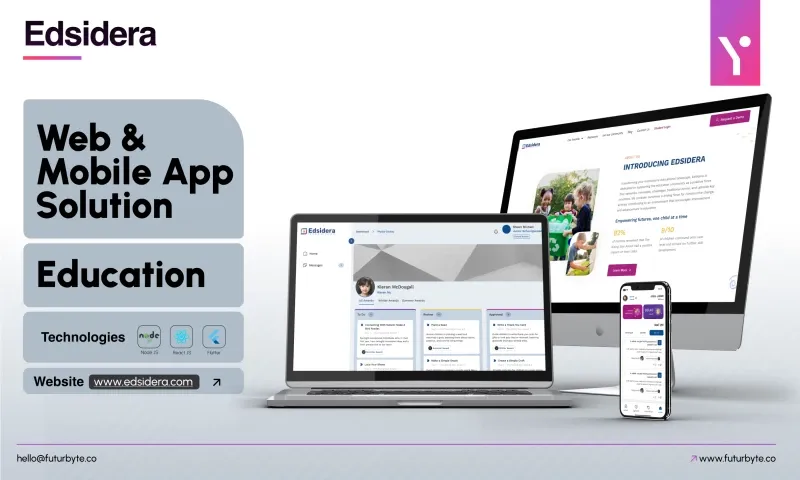
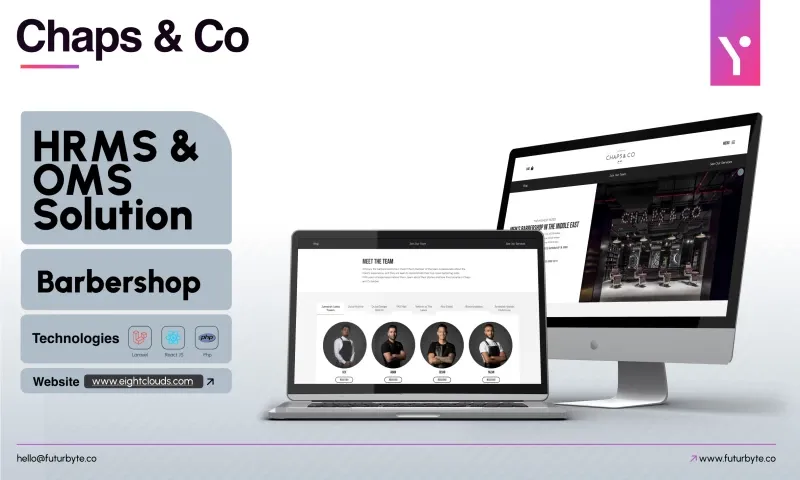
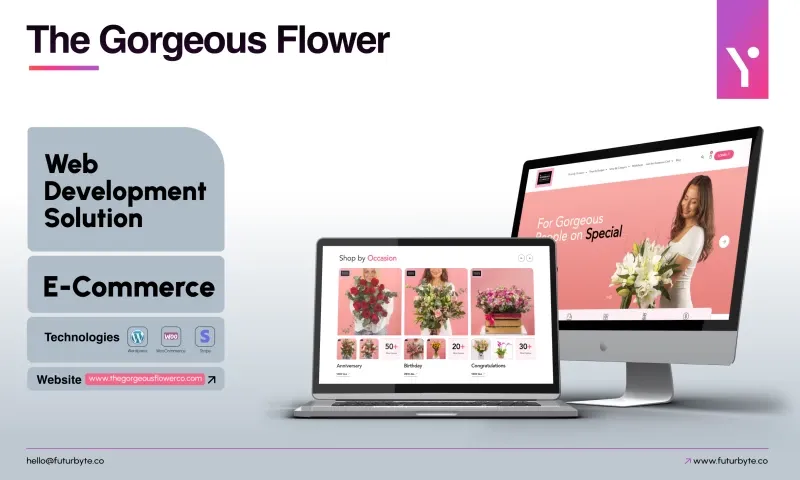
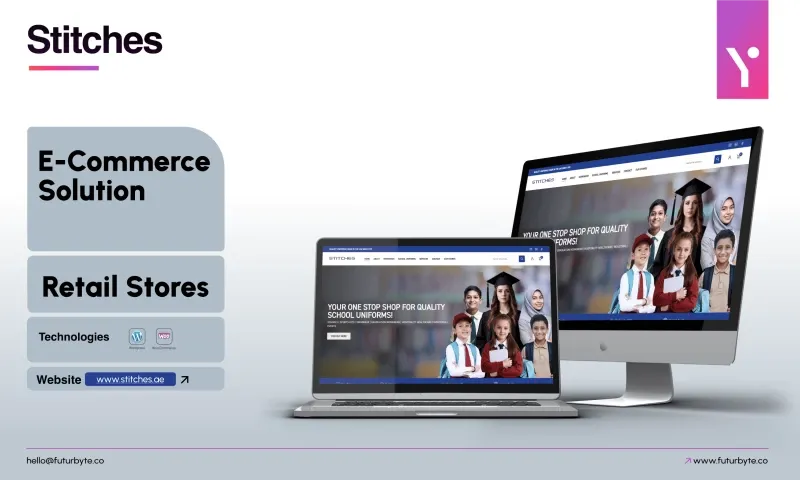
We will ask questions, suggest a focused first release and explain whether native iOS or another approach suits you best. Our clients rate us 4.9 from 23 reviews on Clutch, and our project pages show apps we have built. When you are ready, contact our Dubai team and tell us about the app you want to create.
 4.9