
Hybrid app development guide
A complete guide to hybrid app development with FuturByte
What hybrid apps are, when they are the sensible choice for a Dubai business, and how we plan, build, release and support them so they feel at home on every phone.
What a hybrid app is
A hybrid app is a mobile app built mostly with shared code that runs on both iOS and Android, rather than written separately for each platform. The term covers several approaches. React Native uses JavaScript or TypeScript to drive real native interface components. Ionic with Capacitor runs a web interface inside a native shell that can still reach device features such as the camera and notifications.
What these approaches have in common is reuse. Business logic, data handling and much of the interface are written once, and the app is published to both the Apple App Store and Google Play. For many companies that makes development quicker, maintenance simpler and the skills easier to find, especially where a web team already exists.
How hybrid compares with native and Flutter
Native apps, written in Swift for iOS and Kotlin for Android, give the deepest platform access and the finest control, at the cost of two codebases. Flutter shares one codebase but uses its own language, Dart, and its own rendering engine. Hybrid frameworks build on JavaScript and web standards, which many organisations already use for their websites and internal tools.
None of these is universally better. The right choice depends on your features, performance needs, existing team, timeline and plans for the next few years. During discovery we compare the options against your actual requirements and recommend one, with the reasons written down so your stakeholders can follow the logic and revisit it later if circumstances change.
When a hybrid approach makes sense
Hybrid development works well for content driven apps, booking and ordering apps, customer portals, membership and loyalty apps, and internal tools for staff. It is particularly attractive when your company already runs a React website or web application, because components, logic and developer skills can be shared between the web and mobile products.
It is also a sound route for organisations that want to extend an existing web platform onto phones without rebuilding everything. Hybrid is a weaker fit for graphics heavy games, apps that process video in real time or products that depend on brand new platform features the day they appear. We tell you plainly when that is the case.
Who we build hybrid apps for
Our hybrid projects include retail and restaurant apps, school and parent communication tools, property and tenant portals, event apps, and field service tools for operations teams. We also work with software companies whose product already lives on the web and now needs a companion app for customers on the move.
These clients usually value speed to market, a single team and a product that stays consistent across platforms. Many already employ JavaScript developers, so a hybrid codebase is something their own people can understand, review and eventually maintain alongside us, rather than a specialist system they depend on outsiders for.
Discovery and scoping
We start by understanding the people who will use the app and the tasks they need to complete. Workshops with your team, conversations with customers and a review of your current systems give us the core journeys, success measures and integration needs.
From there we define a focused first release, map the screens and data flows, and check each feature against the chosen framework's capabilities. Where something will need custom native code, we identify it at this stage and include it in the plan. You receive a written scope, a delivery schedule and a list of decisions we will need from you, so the project starts on firm ground. Any open questions are listed with an owner and a date, so nothing important is left to chance.
Designing so it feels native
The fastest way to spot a poorly built hybrid app is an interface that feels like a website squeezed onto a phone. We avoid that by designing for touch from the start: comfortable tap targets, platform appropriate navigation, smooth transitions and screens that respond instantly to a tap or swipe.
Our designers create a component library in Figma that mirrors the coded components, so approved designs translate directly into the build. We respect the habits of each platform where users expect them, such as back gestures on Android and swipe navigation on iOS, while keeping your brand consistent. Key journeys are prototyped and tested with real users before development begins.
React Native in practice
React Native is our usual choice for hybrid apps that need a native feel and solid performance. It renders genuine iOS and Android interface components, uses TypeScript for safer code and has a large ecosystem of libraries for navigation, storage, payments, maps and notifications.
We often use Expo to speed up development, testing and releases, and we drop into native Swift or Kotlin modules when a feature needs deeper access. Sharing code with a React website is possible for logic, data handling and design tokens, which can save significant effort when both products evolve together over several years.
Ionic, Capacitor and web based apps
For apps that are largely forms, content and dashboards, Ionic with Capacitor can be an efficient route. It allows an existing web application, built in Angular, React or Vue, to become an installable app with access to native features such as the camera, file system, biometrics and push notifications.
This approach suits internal tools and portals where the web version already works well and staff simply need it on their phones. We are careful with it, because simply wrapping a website rarely passes app store review or satisfies users. We adapt navigation, performance and offline behaviour so the app earns its place on the home screen.
Arabic and English support
Bilingual apps for the UAE need proper right to left handling. Both React Native and Ionic support it, but layouts, icons, animations and mixed language text still need careful attention to look natural for Arabic readers.
We design and test every journey in Arabic and English, choose Arabic typefaces that stay clear at small sizes, and manage translations in structured files so your content team can update copy without a developer. Dates, numbers and phone formats follow the conventions your customers expect, and store listings are prepared in both languages too.
Back end and integrations
Hybrid apps connect to back ends exactly as native apps do. We build APIs and services on AWS, Google Cloud or Firebase, and where you already run a web platform we often extend its existing APIs rather than building a parallel system.
Integrations with CRMs, ERPs, payment gateways, booking engines and messaging services such as WhatsApp Business are designed, documented and tested with real data. Because the web and mobile products can share the same services, changes to business rules need to be made in one place, which keeps both experiences accurate. We also build admin tools so your staff can manage content and customers directly, without waiting on a developer.
Performance and offline behaviour
Performance is where hybrid apps succeed or fail. We keep bundles lean, load data efficiently, avoid unnecessary re renders and use native components for lists, images and animations that need to stay smooth. Profiling runs throughout development, not just before release.
Many apps need to work on weak connections, so we cache content and queue actions locally, syncing them safely when the connection returns. Clear messages tell users whether their changes are saved. The goal is an app that feels quick and dependable on a mid range Android phone, not only on a new iPhone.
Security and privacy
We store tokens and sensitive data in the secure storage each platform provides, encrypt network traffic and protect APIs with proper authentication. Permissions are requested only when the user reaches the feature that needs them, with plain explanations of why.
Before release we review the app against common mobile security risks, check third party libraries for known vulnerabilities and prepare the privacy disclosures both app stores require. For regulated sectors we align data handling with the relevant UAE rules and document decisions for your compliance team. Security reviews are repeated after major updates, because new libraries and features can introduce new risks over time.
How the build runs
Development is organised into two week sprints with working builds at the end of each, delivered through TestFlight and Google Play testing tracks. You can try the app on your own phone, share it with colleagues and give feedback while changes are still inexpensive to make.
Automated pipelines run tests and produce builds for both platforms on every change, which keeps quality consistent. A named project lead runs regular reviews, records decisions and explains the effect of any scope change on timeline before work begins. You always know what has been completed, what is in progress and what is planned next, without needing to chase anyone for an update.
Testing, release and updates
We test on real iPhones and Android devices across screen sizes and operating system versions, alongside automated tests for logic and key journeys. Accessibility, poor networks and both languages are part of every test cycle.
We prepare store listings, screenshots and review notes, manage submissions to both stores and use staged rollouts to limit risk. Some hybrid frameworks allow small content and code fixes to reach users without a full store release, within the rules Apple and Google set. We use this carefully for urgent fixes, never to bypass review. After launch we monitor crash reports and reviews closely, so issues are caught while they affect only a handful of people.
Measuring success
Success measures are agreed before the build begins: orders placed, bookings made, forms submitted, active users or support calls avoided. We set up analytics to track those outcomes together with retention, crash rates and store page conversion.
Dashboards show where users succeed and where they drop off. We review those findings with you regularly and use them to plan the next release, so improvements follow real behaviour rather than guesswork. Where a change could affect revenue or key journeys, we can release it to a test group first and compare results before rolling it out to everyone.
Support after launch
Frameworks, libraries and operating systems all move quickly. Our maintenance service keeps dependencies current, applies security patches, adapts the app to new iOS and Android versions and fixes issues reported by users.
Many clients continue with planned feature work once the app is live. You own the code, designs, store accounts and infrastructure throughout, and if your own developers take over, we hand over with full documentation and walkthroughs so they can continue confidently. We also review the app's analytics and feedback with you each quarter to agree which improvements deserve priority next.
How to prepare for a first conversation
It helps to share the purpose of the app, who will use it, whether you already have a website or web application we could build on, and which systems the app needs to connect to. Notes on your current team's skills are useful, because they influence which framework suits you best.
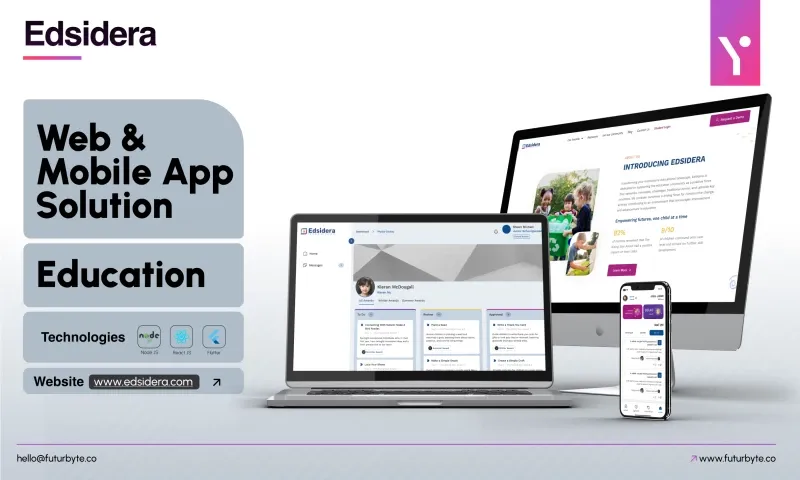
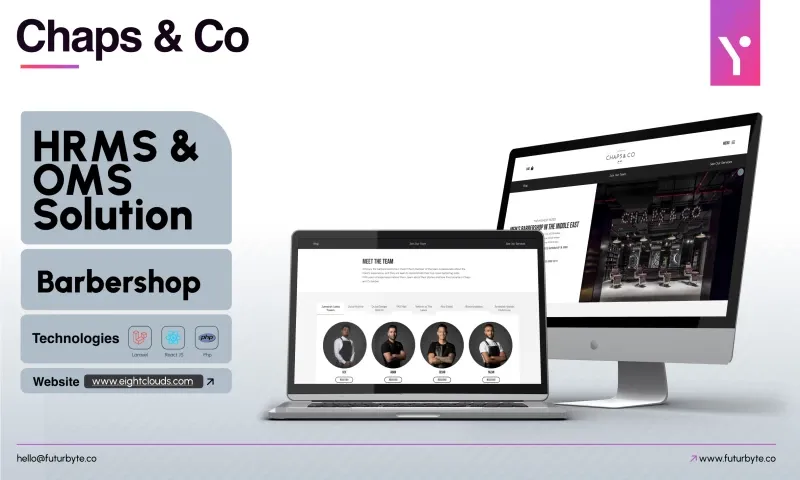
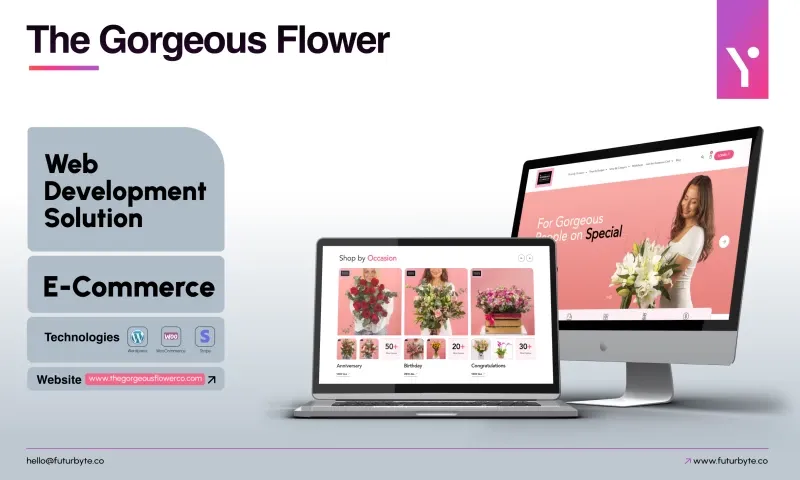
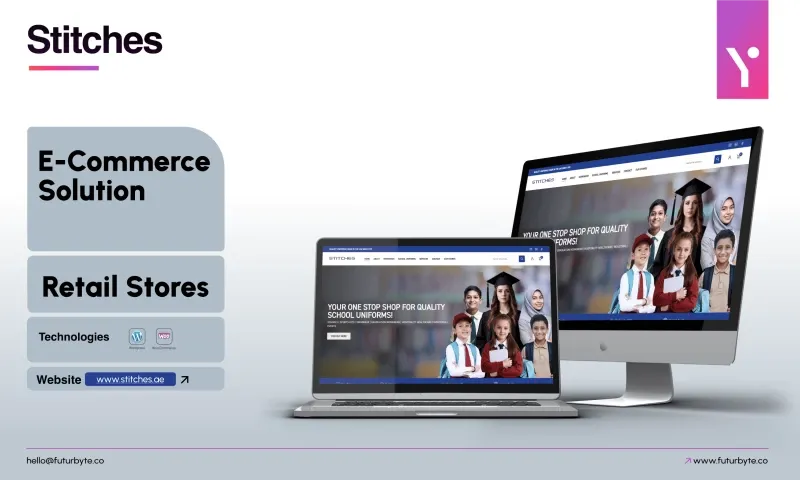
We will ask questions, suggest a sensible first release and recommend hybrid, Flutter or native with clear reasons. Our clients rate us 4.9 from 23 reviews on Clutch, and our project pages show apps we have built. When you are ready, send our Dubai team a message about the app you have in mind.
 4.9